Groups in Sipping Point can now have owners and admins. That gives you a small set of people who can manage the group and, more importantly, control who sees the weekly event suggestions before they go out to everyone.
Who gets the weekly suggestions
The Concierge sends its weekly digest only to owners and admins. It is not sent directly to anyone else in the group. The idea is that admins and owners can look over the suggestions, do some curation or filtering on their own, and then forward the digest to the rest of the group—or choose not to forward it. So the rest of the group only sees what you’ve already vetted.

The weekly suggestions email: one email with all the events, sent only to owners and admins for review before they share with the group.
A common workflow is:
- Get the email of suggestions.
- Decide which ones you want to forward on.
- Add the rest of the group members to the event and don’t send emails from the app.
- Share the event link directly with the group via text.
Everyone’s on the invite and can RSVP in the app, but the nudge comes from you in the thread where you already talk—not from another email. You can also send invites by email from the app if you prefer; the point is that curation happens first, and how you share is up to you.
What owners and admins can do
Owners and admins can both make changes to the group—edit the name, adjust Concierge settings, manage rituals, and so on. Only owners can add new members, and only owners can destroy the group. So you can safely give someone admin so they can help run things and curate the digest without giving them the ability to add or remove members or delete the group.
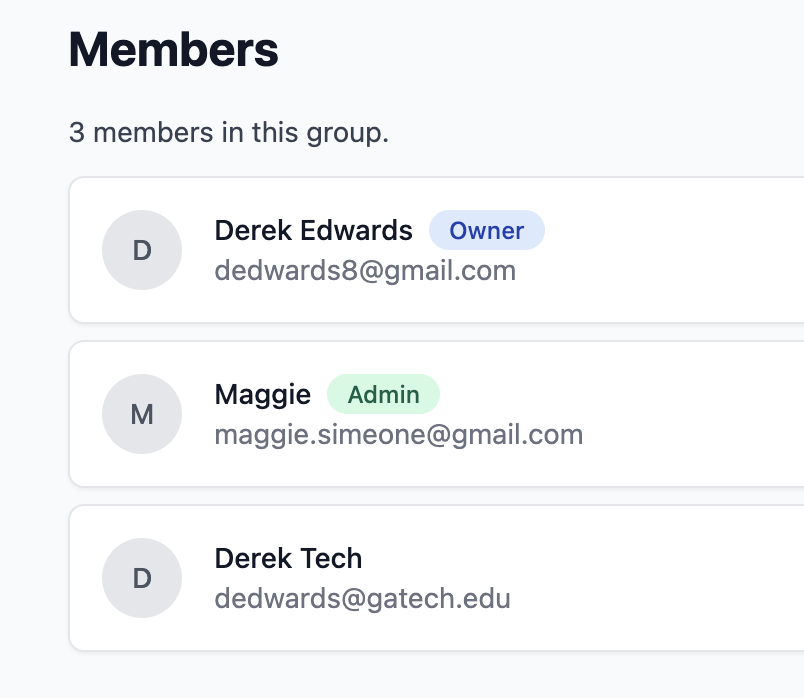
The Members section (shown in the cover image above) is where you see who’s in the group and their role: Owner, Admin, or plain member. That’s the place we’ll hang more group-level permissions and settings as we add them.